Make sure you have all the required permissions ⬈ before beginning this process.
Connecting new phone number
1. Go to panel.chatfuel.com and open
Settings in the left sidebar.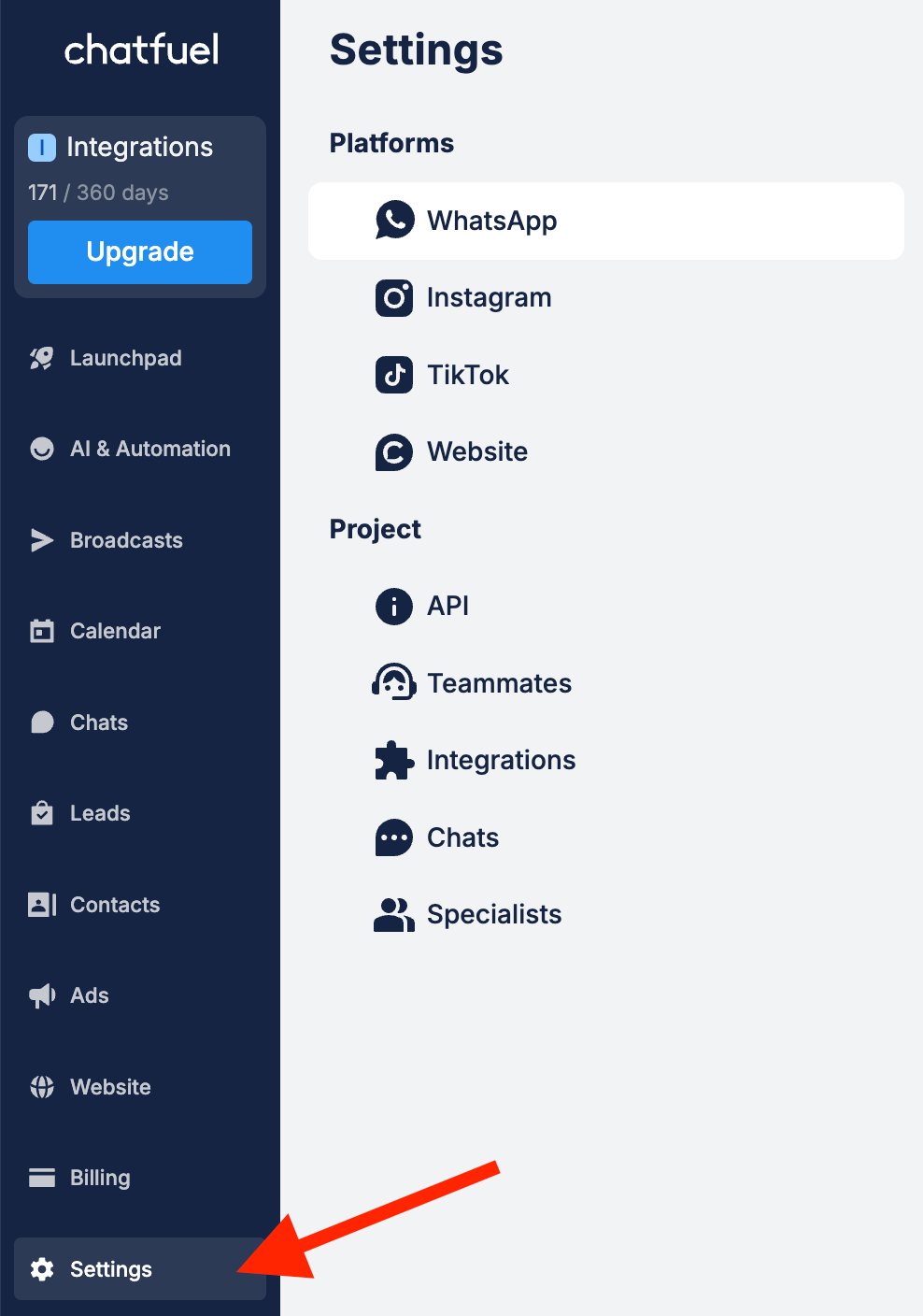
2. Click
Add number in the WhatsApp section.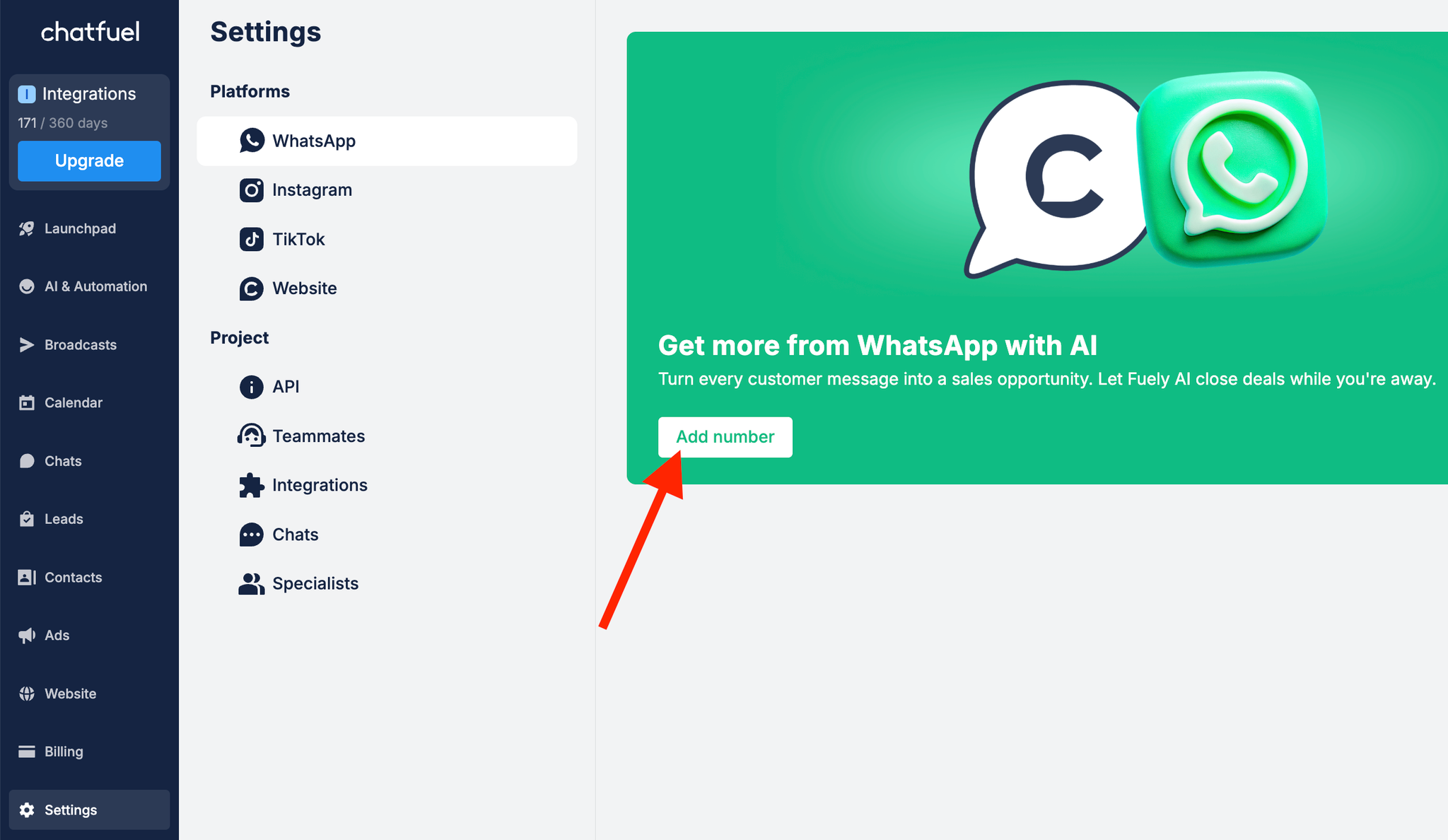
3. You'll see an authentication screen. Log in to your Facebook account and click
Continue.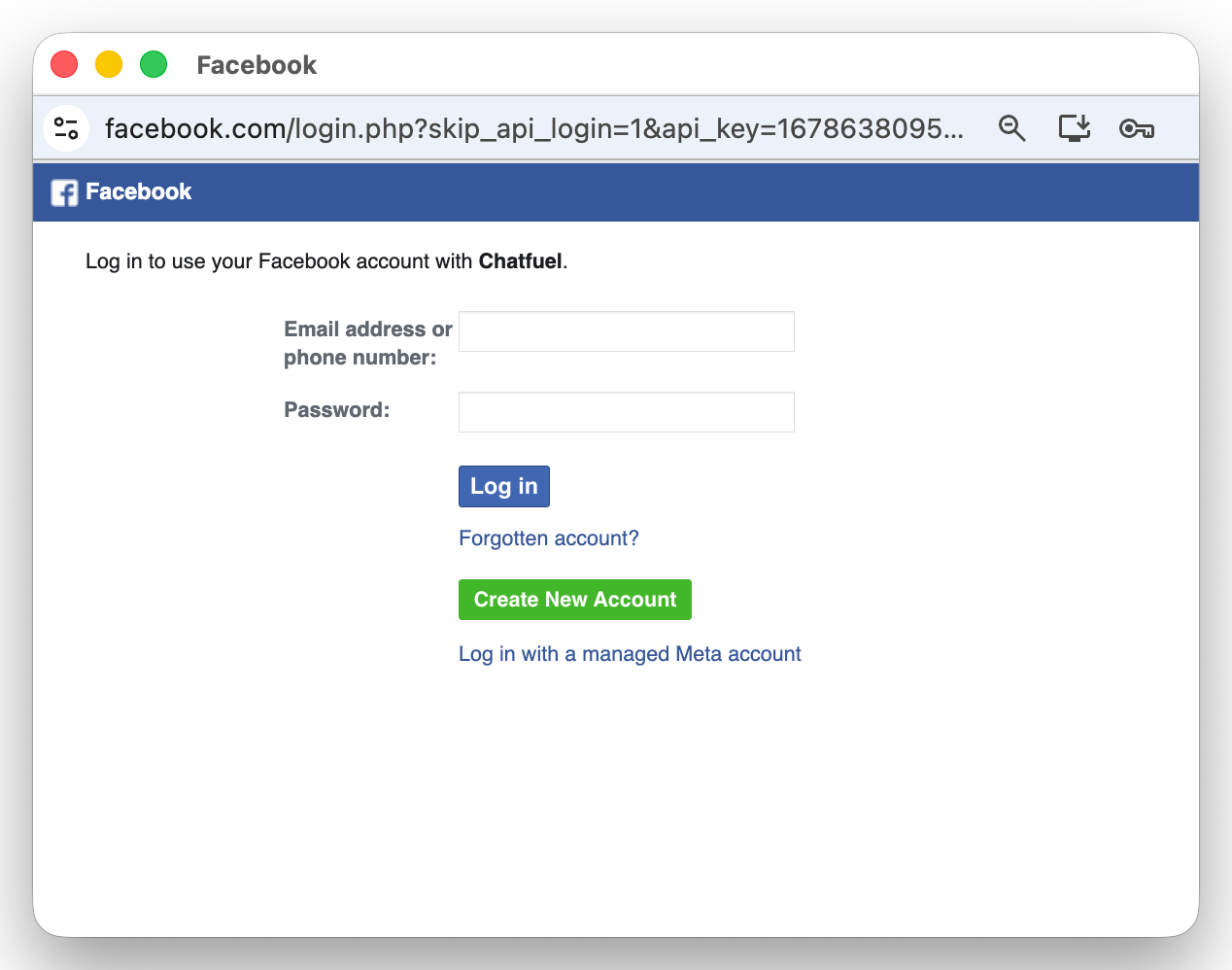
4. Сlick
Continue to authorize Chatfuel to connect with your WhatsApp Business account.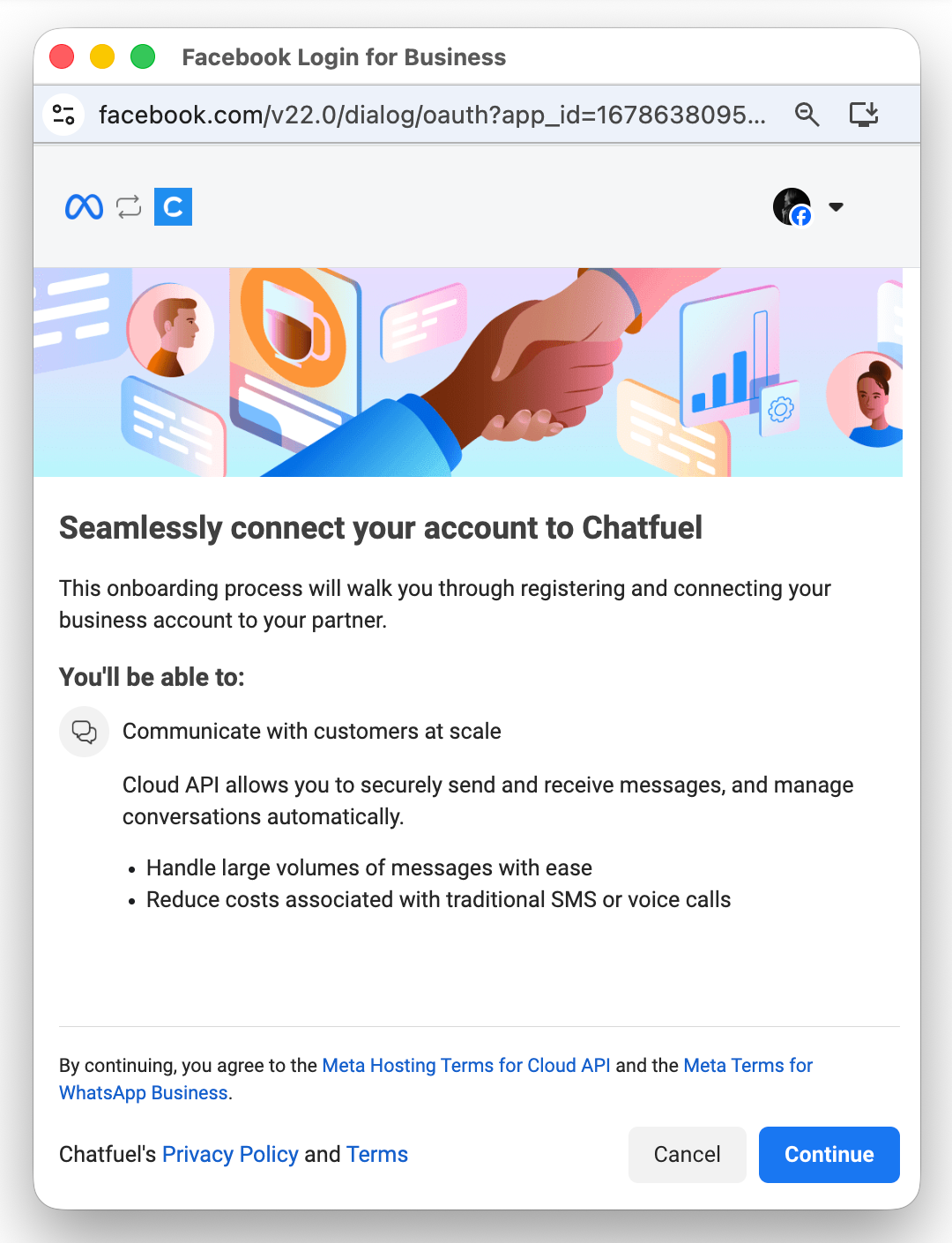
5. On this screen you need to
5.1. select your existing business portfolio or create a new one. This is simply your Meta Business account where all your business tools live.
5.2. select
Create a WhatsApp Business account to connect new phone number. This option allows you to link a number that's not in use in WhatsApp Business.5.3. click on
Next to continue.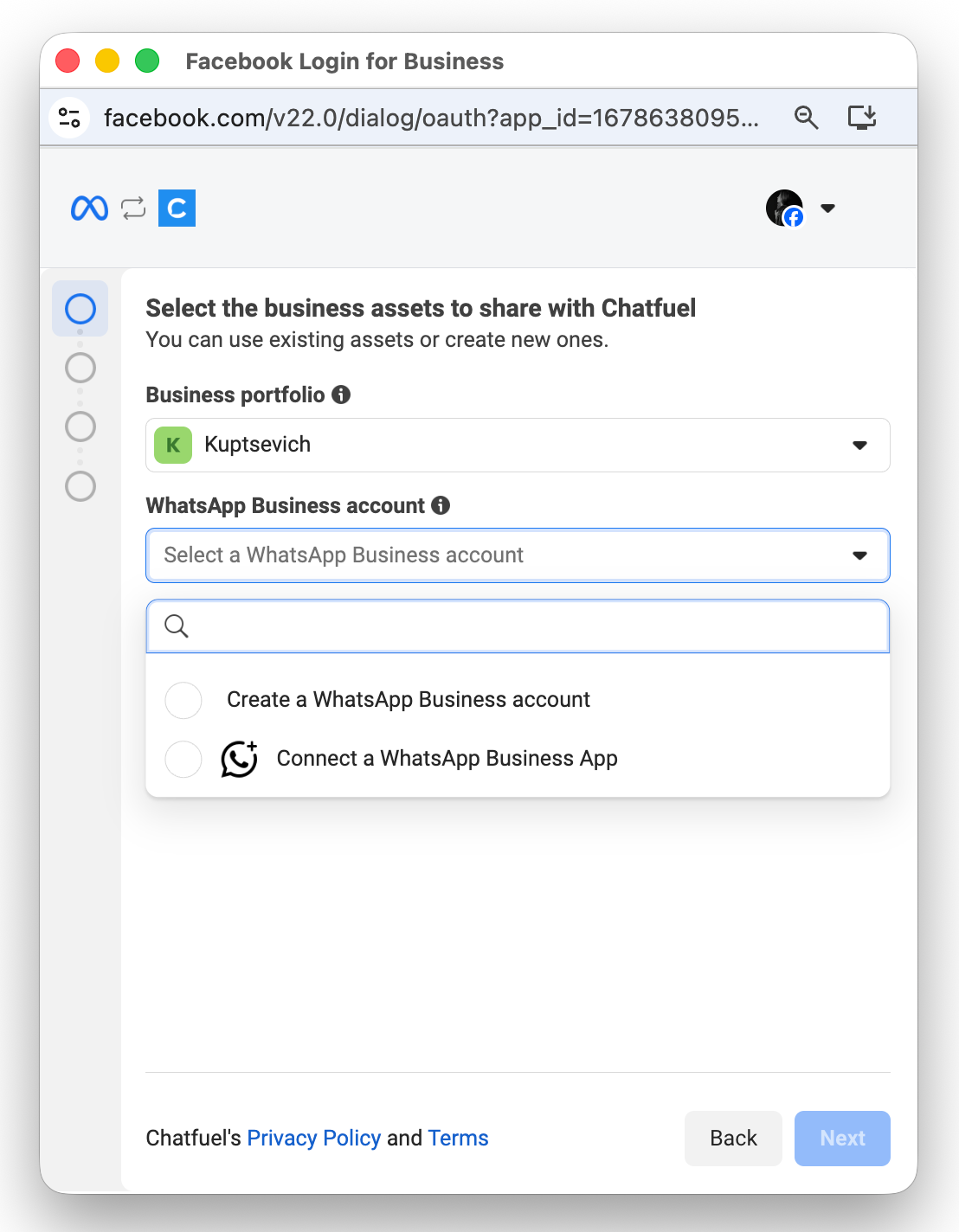
6. If you selected
Create a Business Portfolio option in step 5.1., you need to fill out all business information.Even if some fields are marked as optional, it's best to fill them out completely for better account verification. Click
Next when done.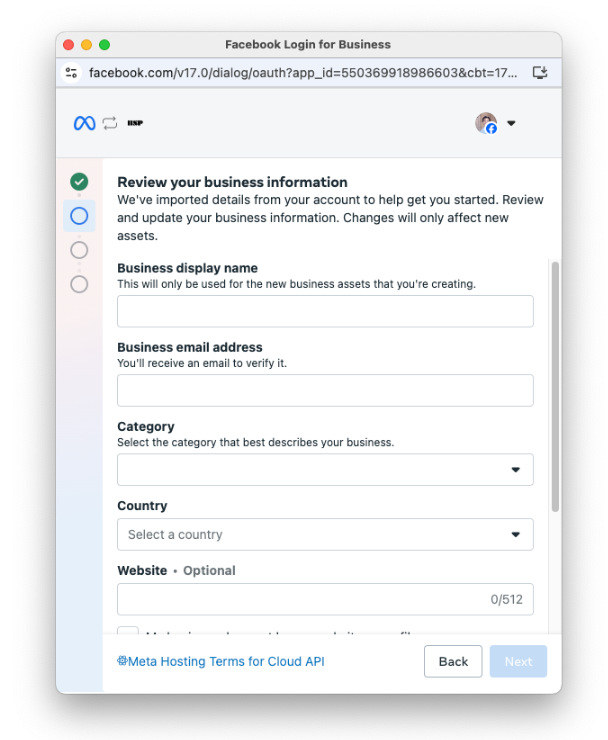
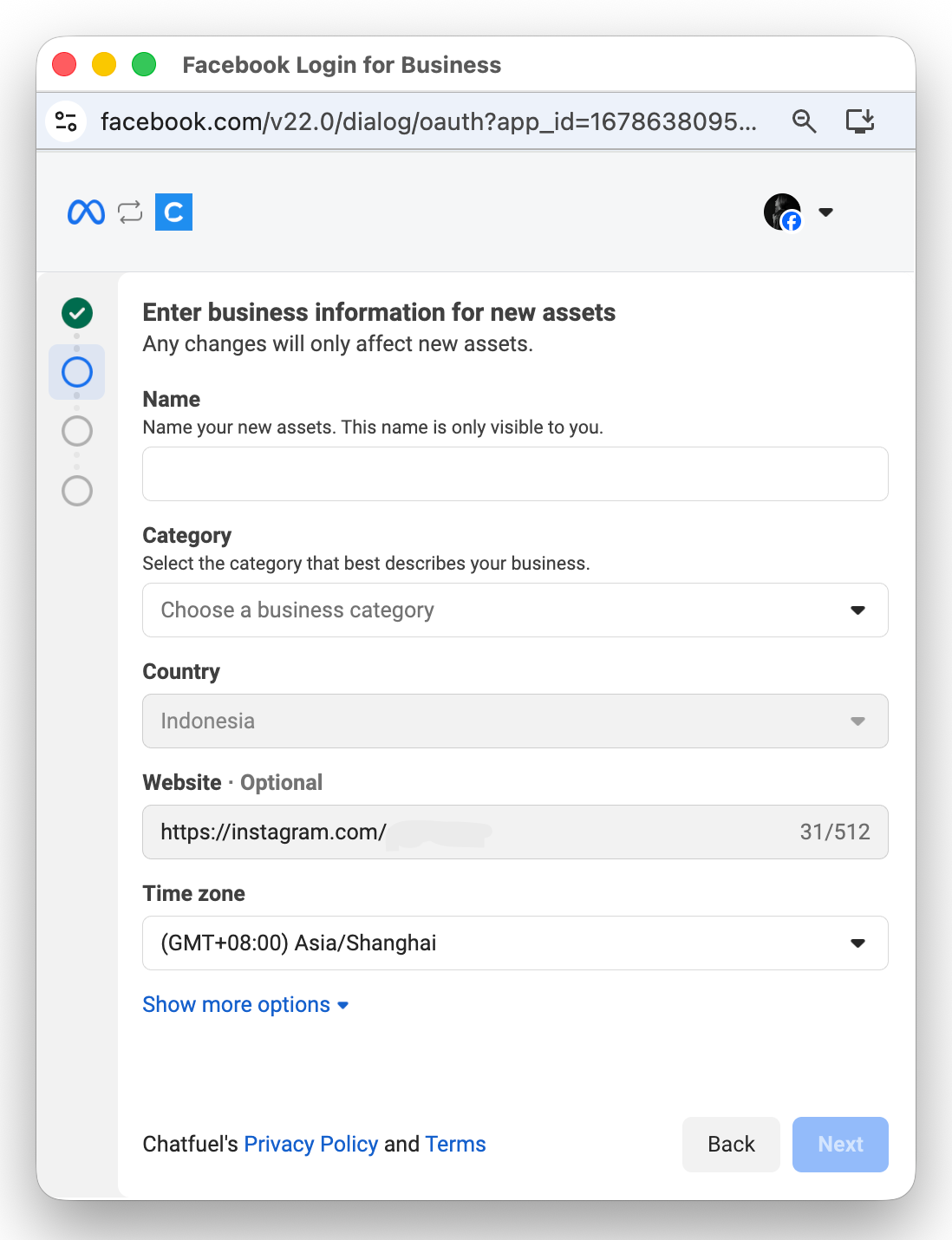
7. Fill in all required business information for your new WhatsApp account. Provide the name which appears in WhatsApp chat headers and your business catalog. Click
Next.⚠️ Meta reviews your name so check our guide Display-name rules to make sure you don't get banned for an incorrect name.
8. Choose
Add a new number option, enter your phone number, and choose verification method (text message or phone call). Click Next.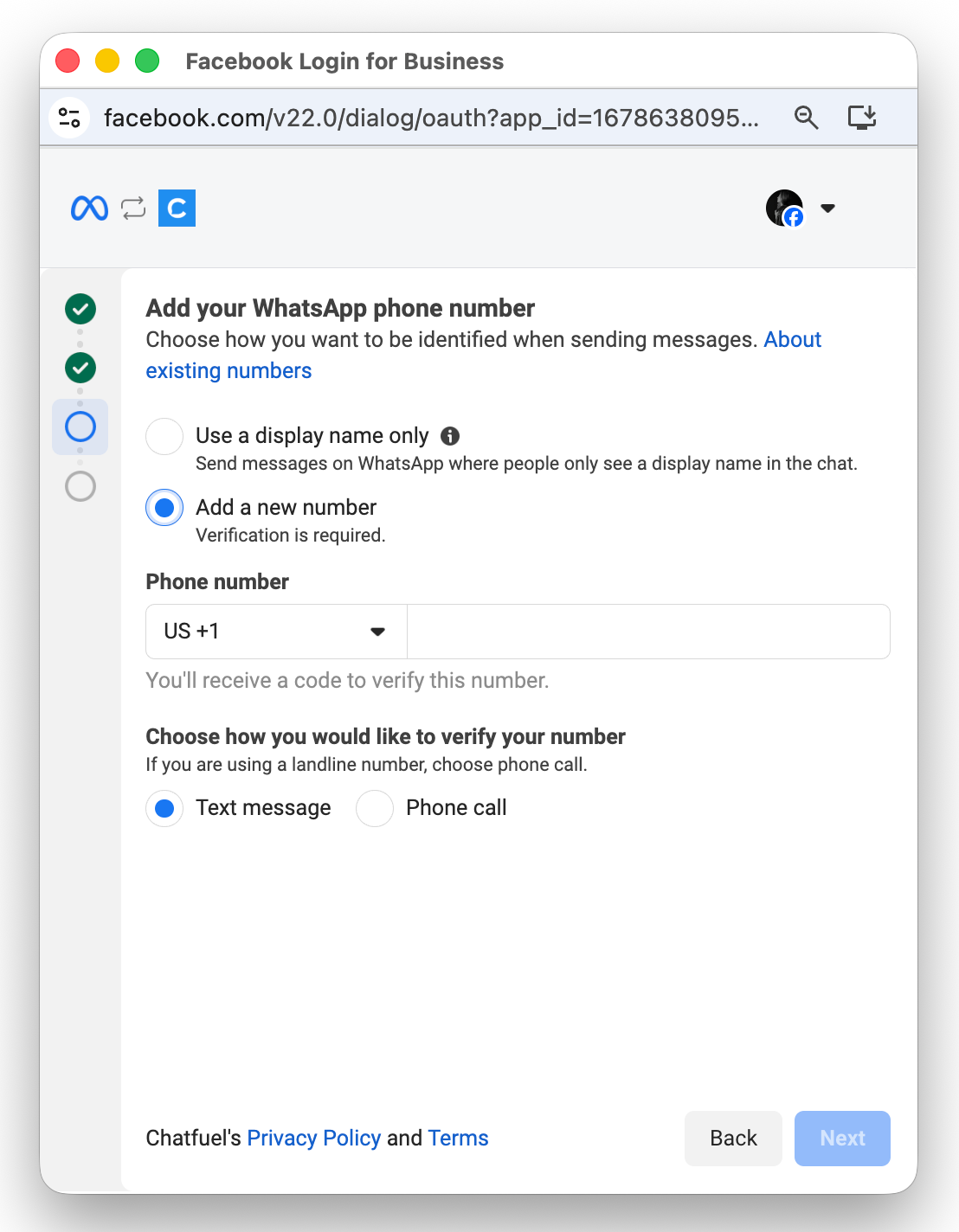
9. Enter verification code you received via SMS or phone call and click
Next.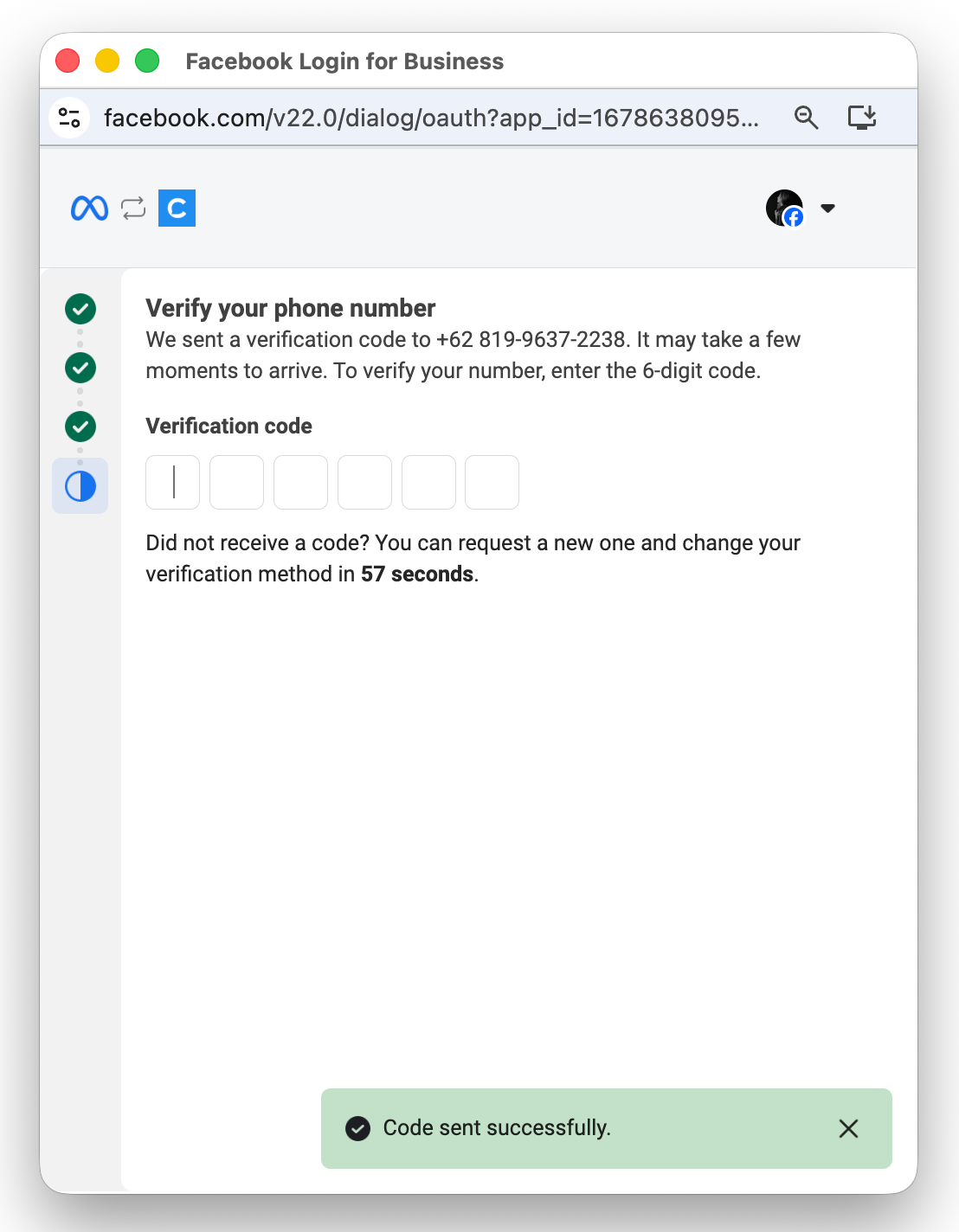
10. Review what Chatfuel will be able to access and do with your WhatsApp Business account and click
Confirm.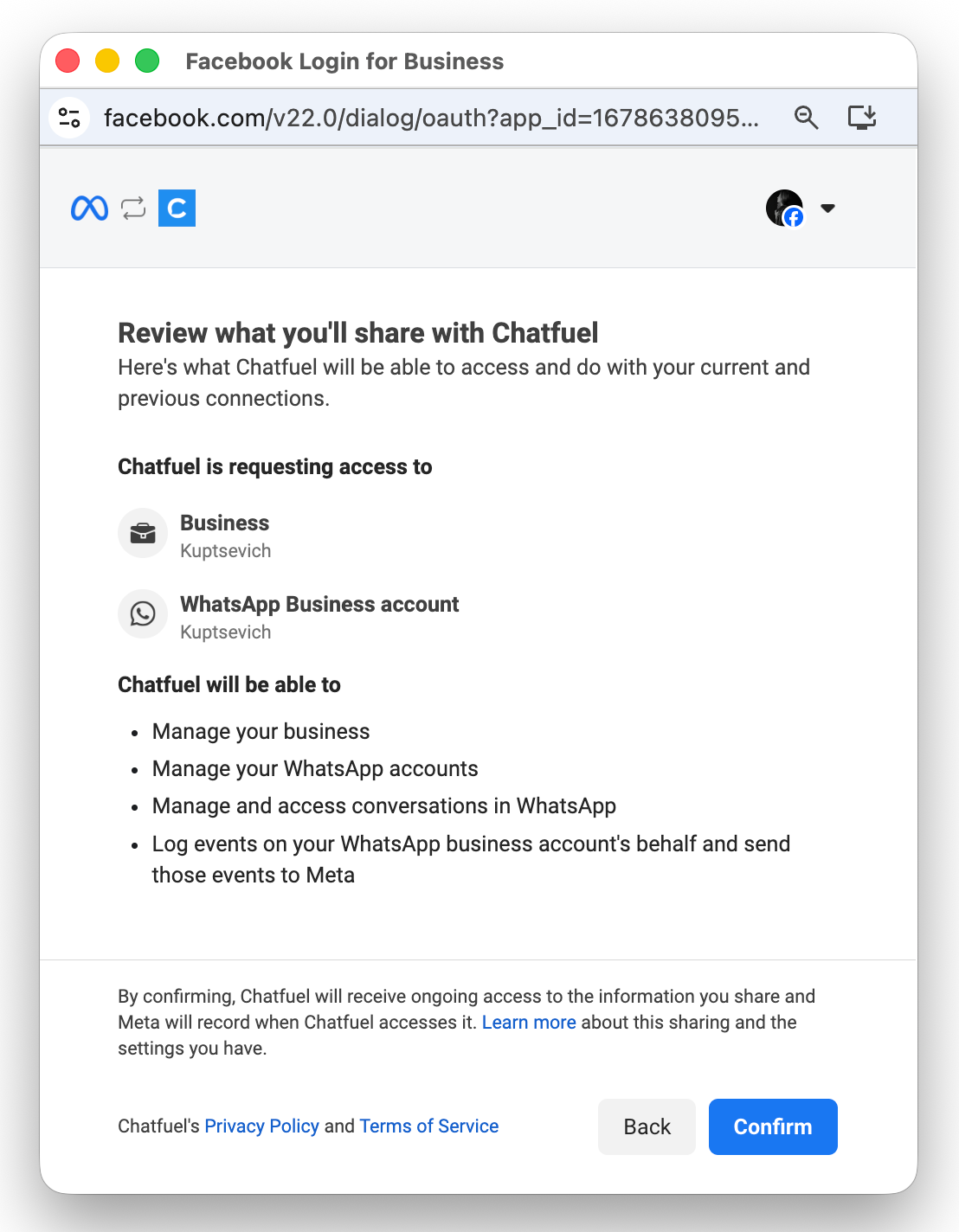
11. You will see a success message: "Your account is connected to Chatfuel". Click
Finish to complete the connection.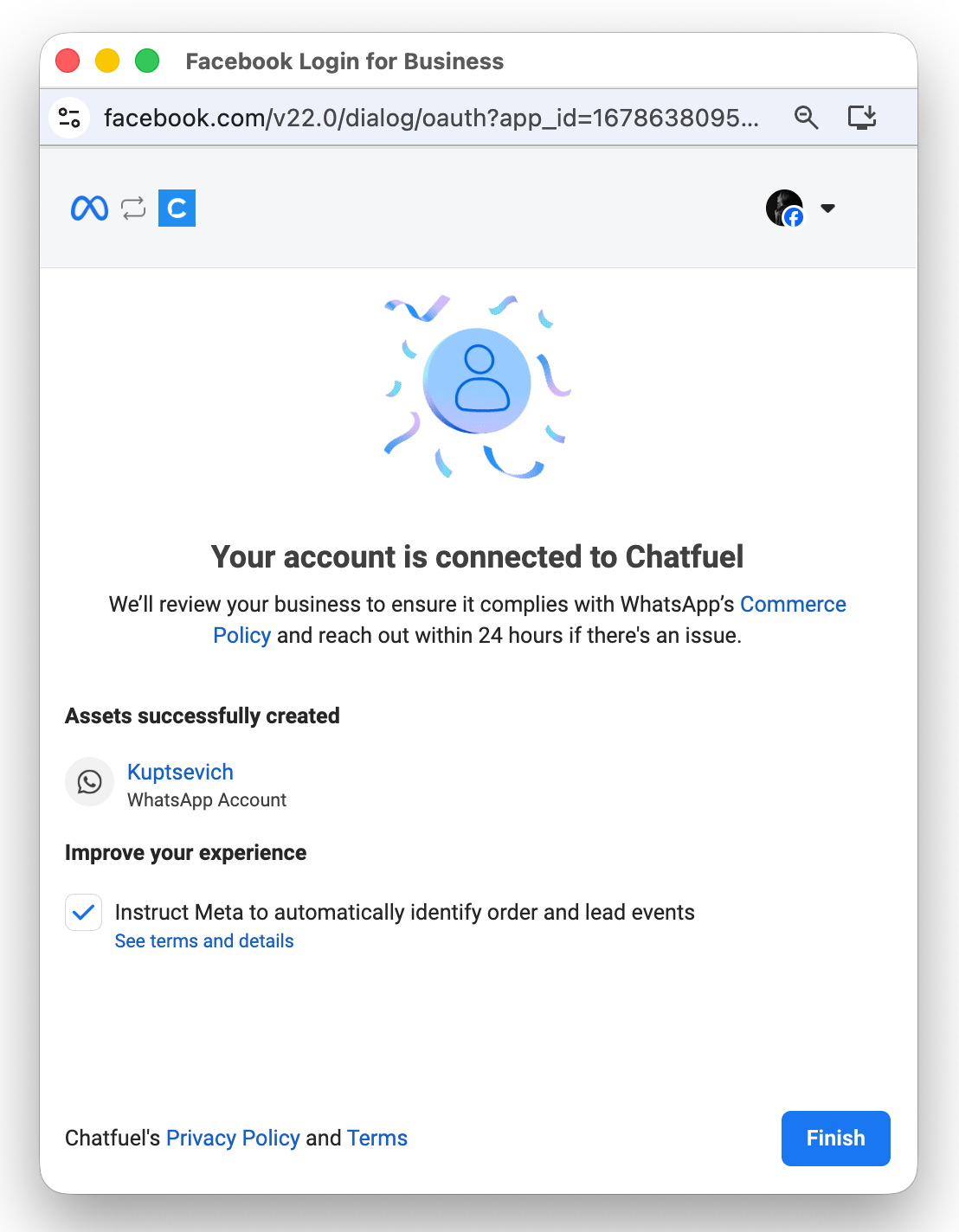
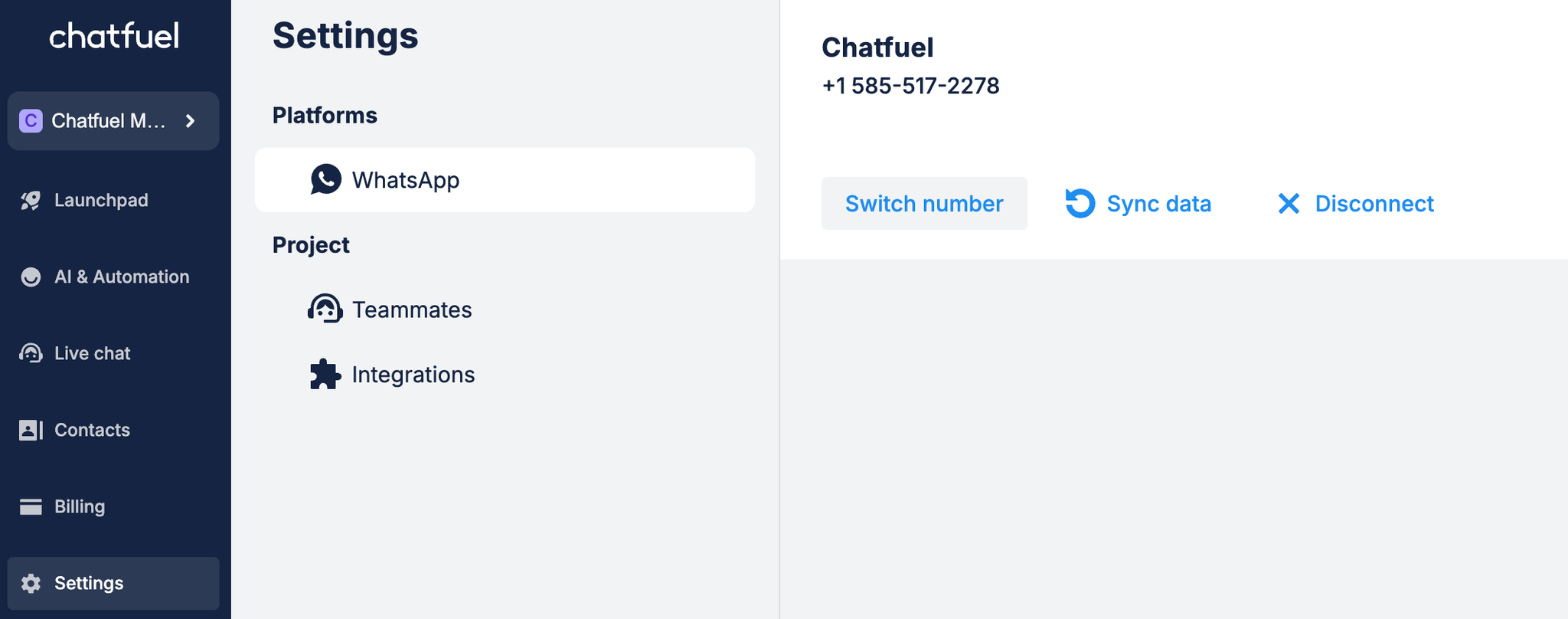
✔ Done. Your WhatsApp number should now appear in Settings.