To make the chat widget appear on your website, you need to add the code snippet you copied in the previous step to your site's HTML.
Where to paste the code
You can generally paste the code snippet in one of two places:
- Before the </body>
- Inside the <head> tag
If you are unsure how to edit your website's HTML code, it's best to ask your web developer or someone familiar with your website platform for help.
Adding chat widget to site
- Open
Settings➜Website.
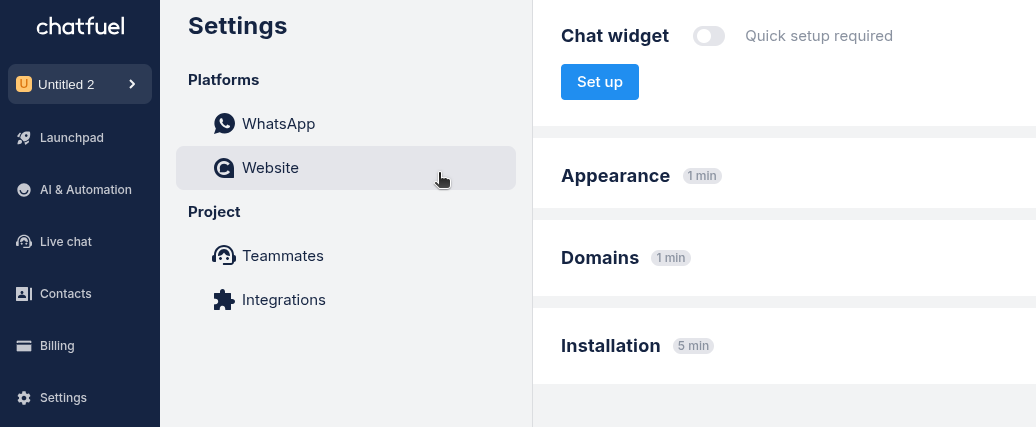
- Under Installation click
Copy code.
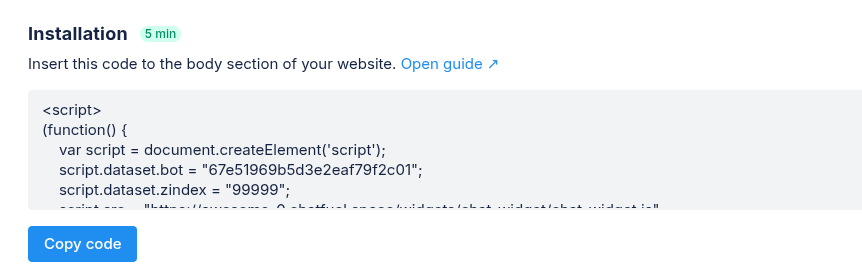
- Add the code before the </body> or inside <head> tag.
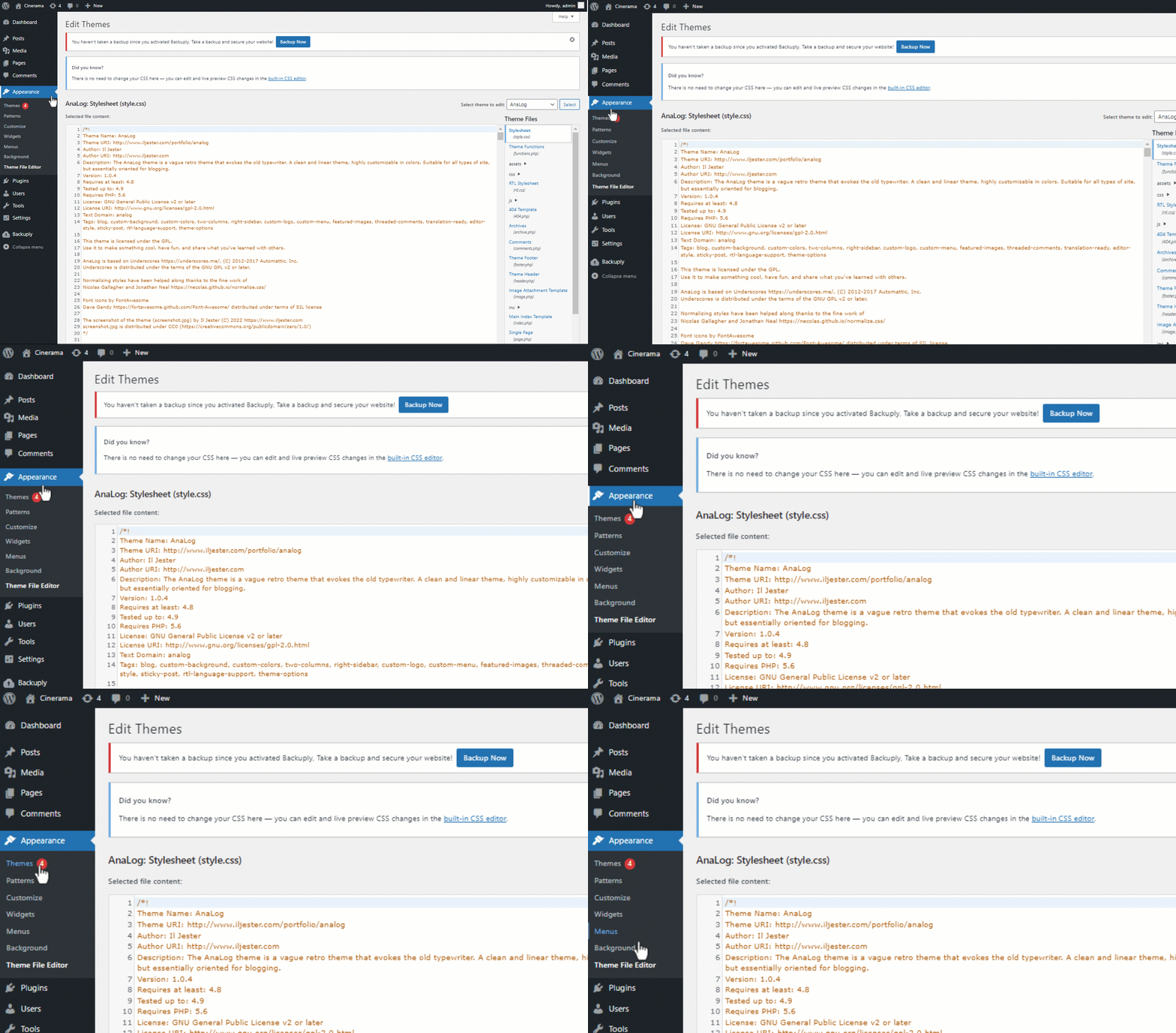
Example in Wordpress
In WordPress, go to Appearance → Theme File Editor → index.php. Then insert the code after the </header> tag.